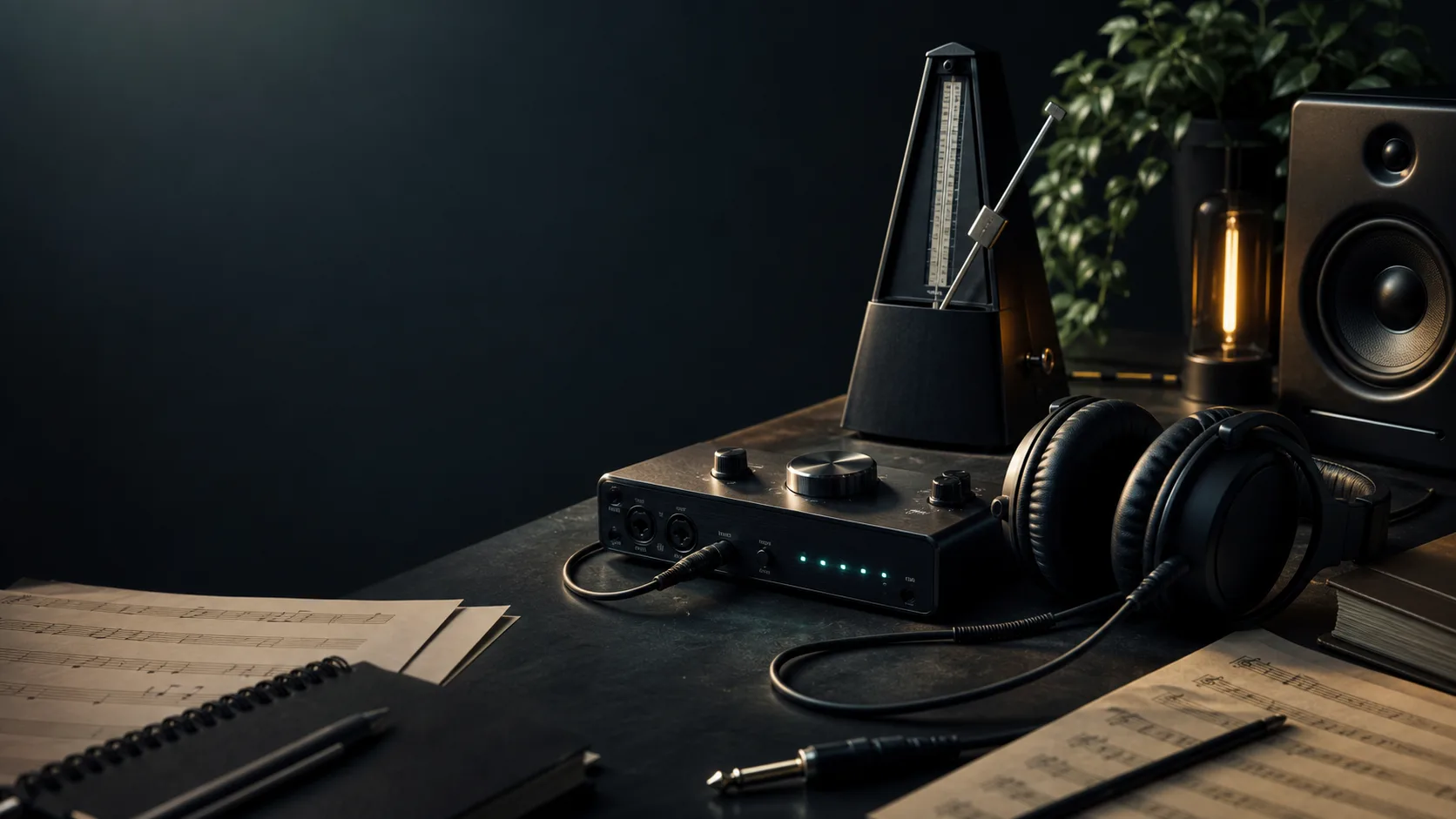
Practice without friction
Keep the room calm. Keep the pulse exact.
MetroBeats is designed to feel immediate: set a tempo, hit start, and stay focused. Advanced controls stay close, but never in your face.
Stable clicks, visual feedback, and keyboard control that stays out of the way.
Good practice tools should disappear into the session. This one tries to.
The main controls stay front and center so you can start quickly. Meter, subdivisions, and trainer tools stay nearby when you actually need them.
Move between 20 and 300 BPM with the slider, buttons, or keyboard.
Practice modes
Choose a better entry point than a blank controls panel.
Start from the song in your head
Tap along, capture the BPM, and drop straight back into the metronome with that tempo loaded.
Stay grounded in odd meters
Keep 3/4, 5/4, 6/8, and 7/8 within reach instead of burying them in advanced menus.
Push speed without panic
Use subdivisions and the gradual trainer when you want precision to rise before tension does.
Tempo picks
Jump into a familiar BPM when you don't want setup overhead.
Slow detail work
Great for careful phrasing, difficult transitions, and clean hands.
Pocket practice
A comfortable mid-tempo for groove work, verse feels, and timing cleanup.
Default confidence
The familiar benchmark for pop, rock, and general session warmups.
Speed with shape
Useful when you need energy, attack, and stamina without losing control.
Why this feels lighter
The page is built around staying in rhythm, not showing off features.
Keyboard friendly
Use Space to start and stop. Use the arrow keys to nudge tempo without leaving your instrument.
Audio stays readable
The first beat stays easy to hear, so bars do not blur into an anonymous click stream.
Simple first, depth second
You get the pulse immediately, then expand into subdivisions and trainer controls only when needed.
Continue learning about metronome practice, timing, and musical development.
Best Online Metronome Apps 2026: What Actually Matters
A practical comparison of online metronome tools, focused on timing stability, workflow, and serious practice value.
How to Practice with a Metronome Without Turning It Into Punishment
A practical metronome method for building timing, control, and speed without reinforcing sloppy habits.
Understanding Time Signatures Without Memorizing Empty Fractions
A musician-friendly guide to common and odd meters, with practical ways to feel and practice them.
Quick advice
Three habits that make the metronome less annoying.
Popular BPM pages
Jump into the most common metronome tempos without extra setup.
Why choose this tool
An online metronome should help practice, not just make noise on the screen.
Useful for real musicians
With adjustable BPM from 20 to 300, you can start at a safe tempo and move upward without leaving the page.
More than a plain click
Accents, subdivisions, and clear visual feedback make harder rhythmic work less vague.
Works anywhere
No downloads. It runs in the browser across phones, tablets, and desktop practice setups.
Also useful beyond music
Runners, teachers, and breathing practice users can all work from the same reliable pulse.
Feature depth
Complete rhythm control without turning the page into a cockpit.
Precision timing technology
Lookahead Web Audio scheduling keeps the pulse stable even while the browser is busy.
- • 25 ms polling with 100 ms lookahead scheduling
- • Consistent timing across devices and browsers
- • Reduced lag and drift during longer sessions
- • Optimized for desktop and mobile practice
Musical control
Change meter, accents, and subdivisions without losing the core BPM workflow.
- • Multiple time signatures including 4/4, 3/4, 6/8, 2/4, 5/4, and 7/8
- • Customizable accents and beat emphasis
- • Subdivision support for eighth notes, triplets, and sixteenth notes
- • Polyrhythm training for advanced rhythm work
Practice enhancement
Tap tempo, gradual speed building, and multiple sound choices support longer sessions.
- • Tap tempo for instant BPM detection
- • Gradual trainer for planned tempo increases
- • Multiple sound options
- • Keyboard shortcuts for quick adjustment
Use cases
Who uses this online metronome?
Piano students
For scales, arpeggios, and phrase control at safe speeds.
Guitar players
For strumming precision, picking control, and groove work.
Drummers
For timekeeping, subdivision awareness, and coordination.
Vocalists
For phrasing, breathing work, and rhythmic consistency.
Teachers
For lessons, drills, and visible beat guidance.
Runners
For cadence drills and interval pacing.
Meditation users
For breathing cycles and walking focus work.
Dance instructors
For choreographic timing and tempo consistency.
A timing device that gives you a stable pulse so repetition stays measurable instead of vague.
Learn more →Start slower than you think, value accuracy over speed, and increase only when clean.
Learn more →Learn how 4/4, 3/4, and 6/8 feel so you stop treating every click as the same shape.
Learn more →FAQ
Frequently asked questions about the online metronome.
How accurate is it?
It uses Web Audio scheduling with a lookahead loop, which is far more stable than ordinary browser timers.
Does it work on mobile?
Yes. It is optimized for phones and tablets and works in modern browsers without an app download.
What BPM range is supported?
The metronome supports 20 to 300 BPM, covering slow control work through fast technical drills.
Is it free?
Yes. Core tools such as tap tempo, subdivisions, and gradual speed work are available without payment.
How do I use tap tempo?
Tap in time with what you hear. After several steady taps, the tool estimates BPM and can send it into the main metronome.